

Instantly Organize, Search, and Reuse Your Entire AI Workspace
AI Organizer turns your AI chats into a structured, folder-based library — giving you 1-click prompt insertion and instant access to your best work directly inside your chat interface.

Search Instantly

1-CLick Insert

Share & Export

Tags & Notes
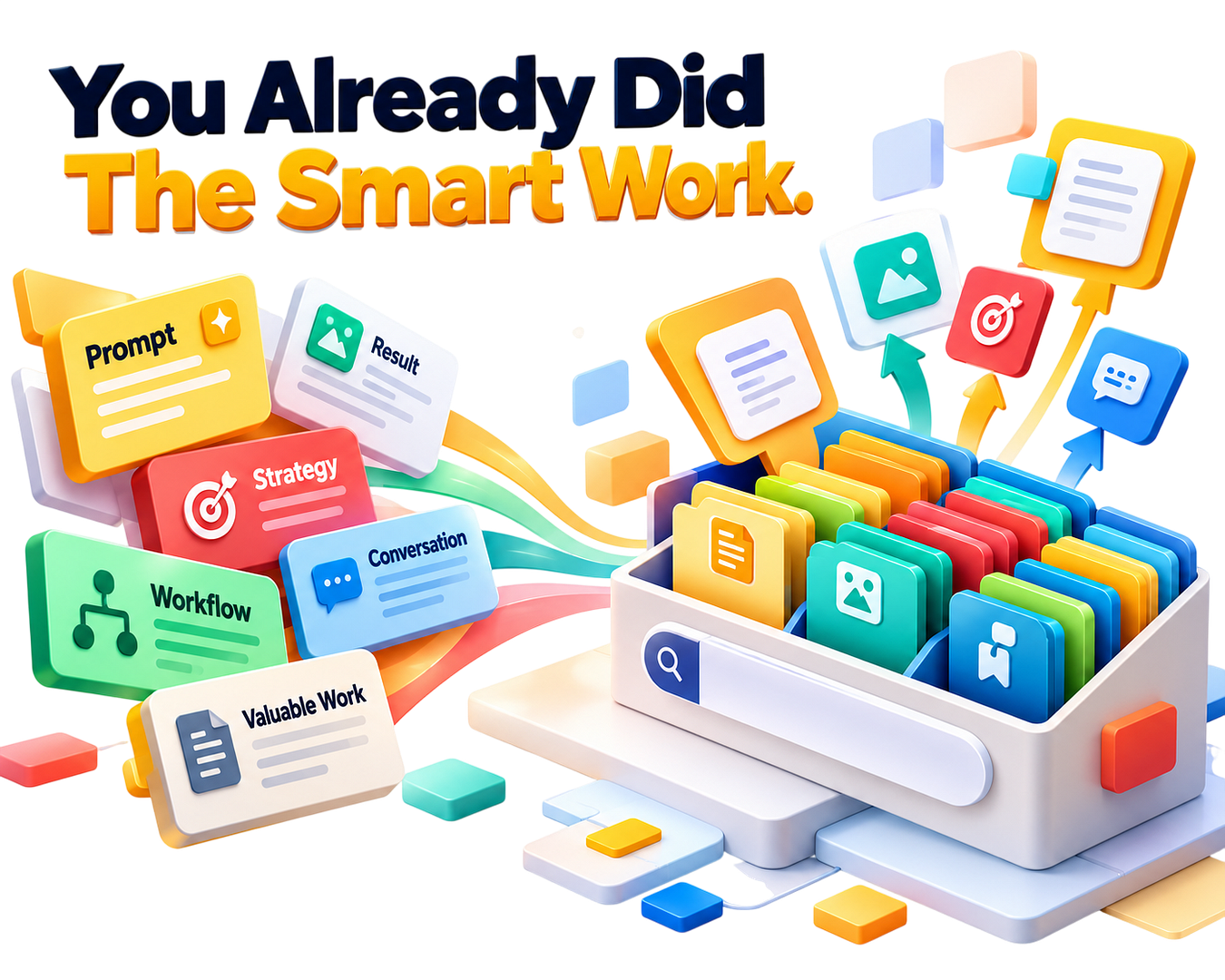
You already did the smart work.
You crafted the perfect prompt, generated the exact result you needed, and built a high-value workflow.
Now, you can keep every single piece of that success at your fingertips permanently.
Instead of rebuilding your best assets from scratch, imagine having your entire library of prompts, strategies, and key conversations neatly structured, instantly searchable, and ready to deploy into any chat with a single click.
That's what happens when you upgrade from a basic chat list to a dedicated workflow engine.
That is what AI Organizer gives you.
What Happens When You Don't Have An AI Organizer
You're running 10, 20, 50 prompts a day across your business.
And every single one of them gets generated, read, and then pushed down the sidebar into oblivion.
No folder -> No search -> No tags -> Just a messy chat log.
Here's what that actually costs you:
>> Every prompt you type and leave in your history is a valuable asset you created once and threw away.
>> Every time you need a past strategy, you spend precious minutes scrolling, digging, and trying to remember what you named the chat.
>> Your competitors who use a structured prompt library are deploying campaigns, emails, and code in seconds while you start from scratch.
>> You're paying for AI access, building complex workflows, and then leaving your best prompts locked inside temporary chat windows.
>> Every day you don't fix this is another day of wasted time and repeated work.

Introducing:
AI Organizer
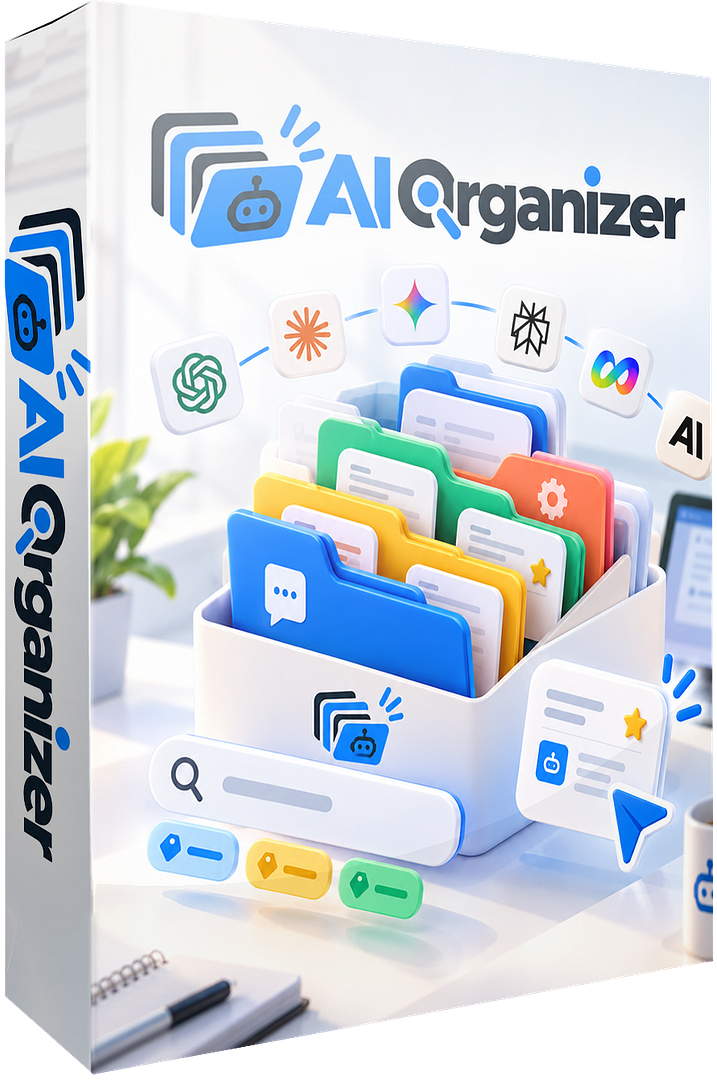
AI Organizer is a web-based workspace extension designed for one purpose — turning your chaotic AI chat history into a structured library that deploys your best prompts and workflows in a single click.
You log in. You build your workspace. You use it directly inside your AI tools. Done.
Here is what AI Organizer does for your daily productivity:
Here's what AI Organizer gives you:

File & Folder System
Group your chats and prompts into custom workspaces, color-coded folders, and subfolders organized by client, project, or topic. Your AI library, structured the way your brain works.

1-Click Insert
Saved prompts go straight into your chat box with a single click.
No tab switching, no copying, no interrupting your flow.
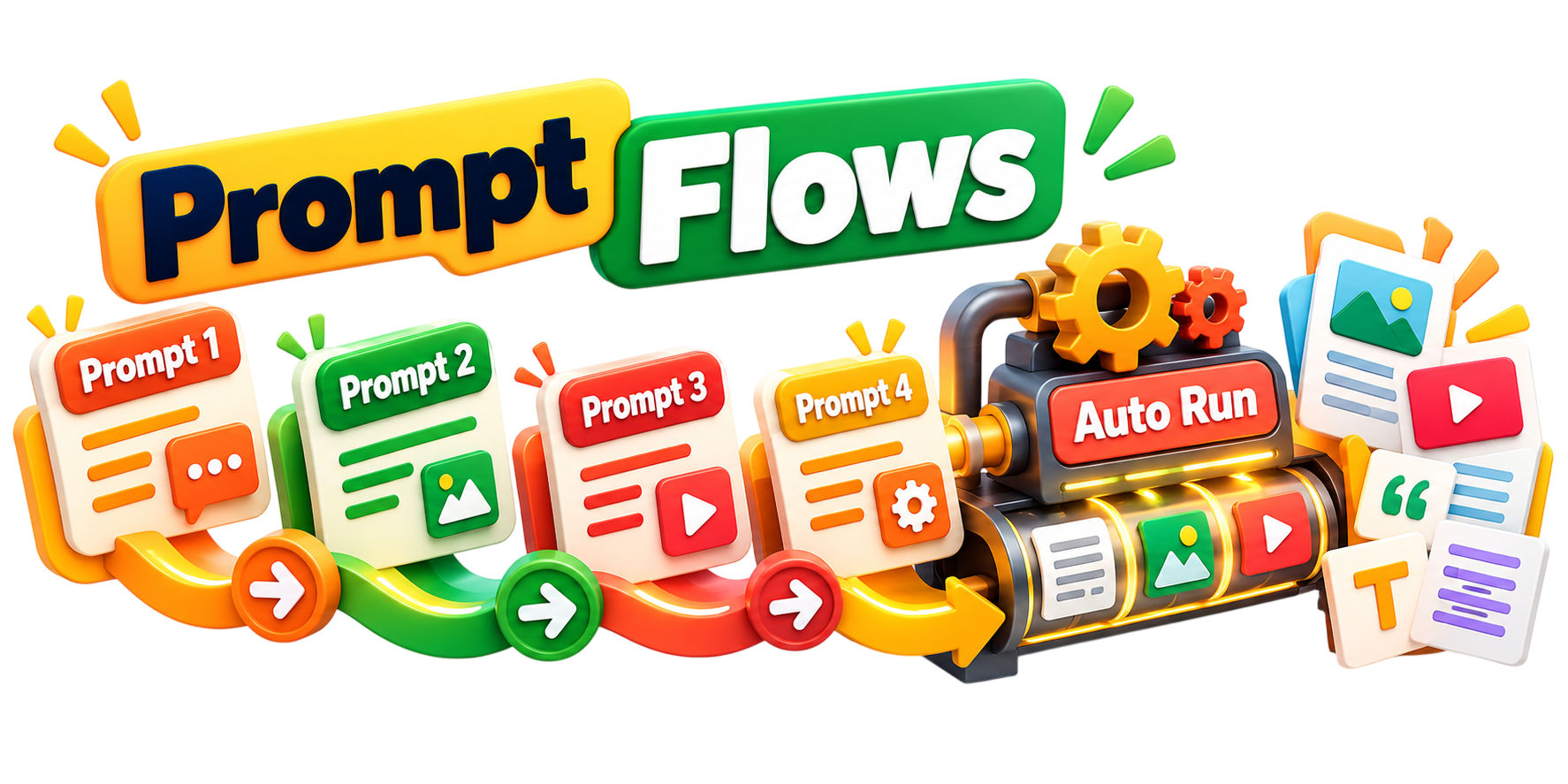
Prompt Flows
Chain multiple prompts into a single automated sequence. Run a full content or marketing workflow start to finish without touching anything manually.

Instant Search
Find any saved conversation or prompt in seconds. Type a keyword and it's there — no scrolling, no guessing.
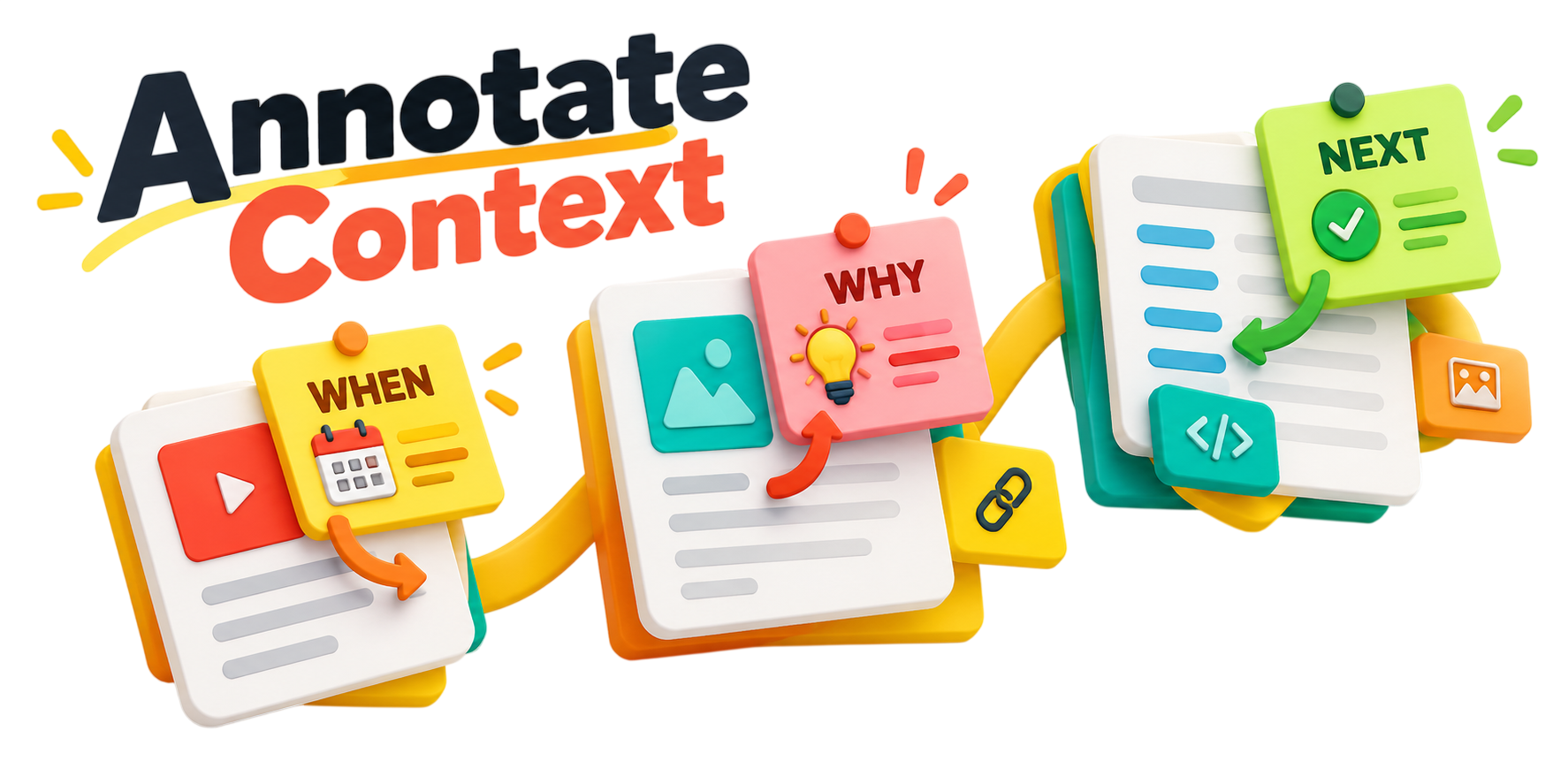
Annotate Context
Add notes to any saved item so you always remember when to use it, why it works, and what to do next.

Tag & Timestamp
Apply custom tags and track creation dates so your library stays organized and up to date.
I already save my prompts in Notion or Google Docs
Why would I pay for this?
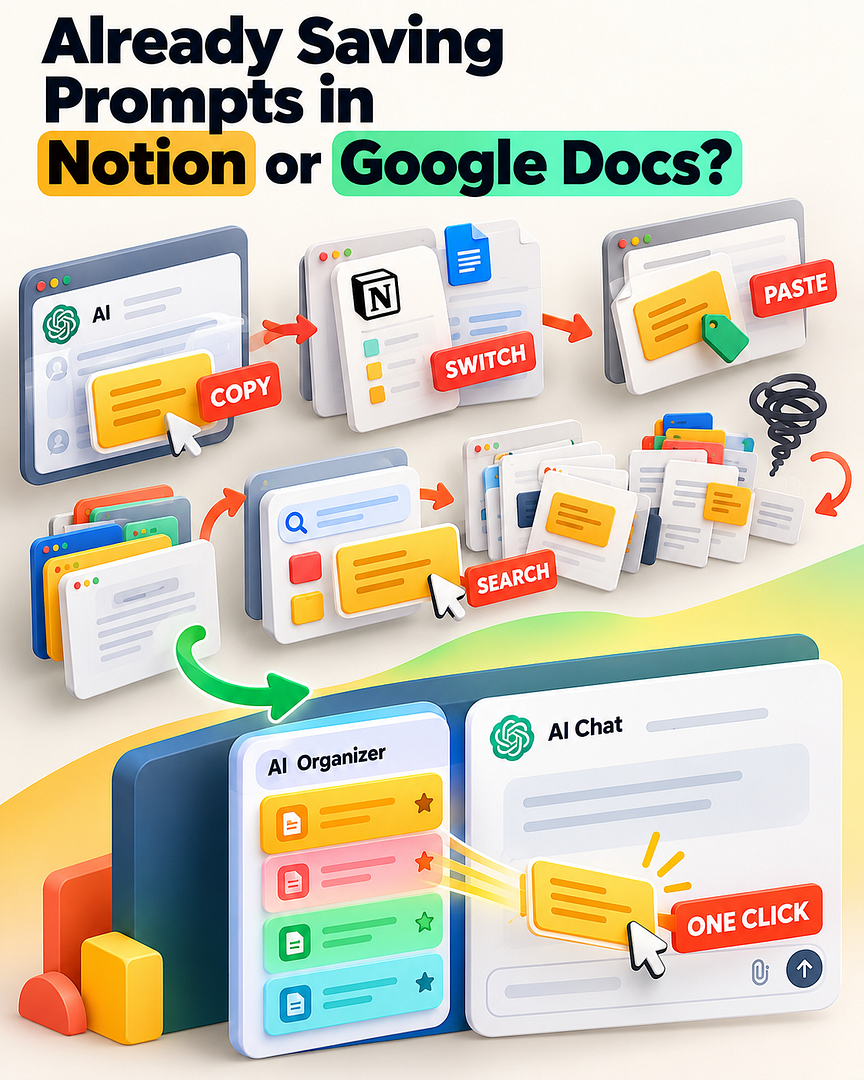
Fair question. And if copy-pasting into a doc actually worked, you wouldn't be here.
Here's what actually happens with that system. You finish a great chat, copy the output, switch to Notion, paste it in, title it, tag it, close the tab.
Then three days later you need it — and you're digging through a massive document trying to remember what you called it, switching tabs back and forth, copying it out again, switching back to your AI platform, pasting it in.
That's four to six steps every single time. For something you've already done once.
AI Organizer lives directly inside your AI platform.
You never leave the page. Your saved prompts are already there, already organized, and one click away from being inside your chat box — ready to run.
You're not paying for a place to store things. You're paying to eliminate the friction that's quietly draining your time every single day.
This Is For You If...

This Is Not For You If...

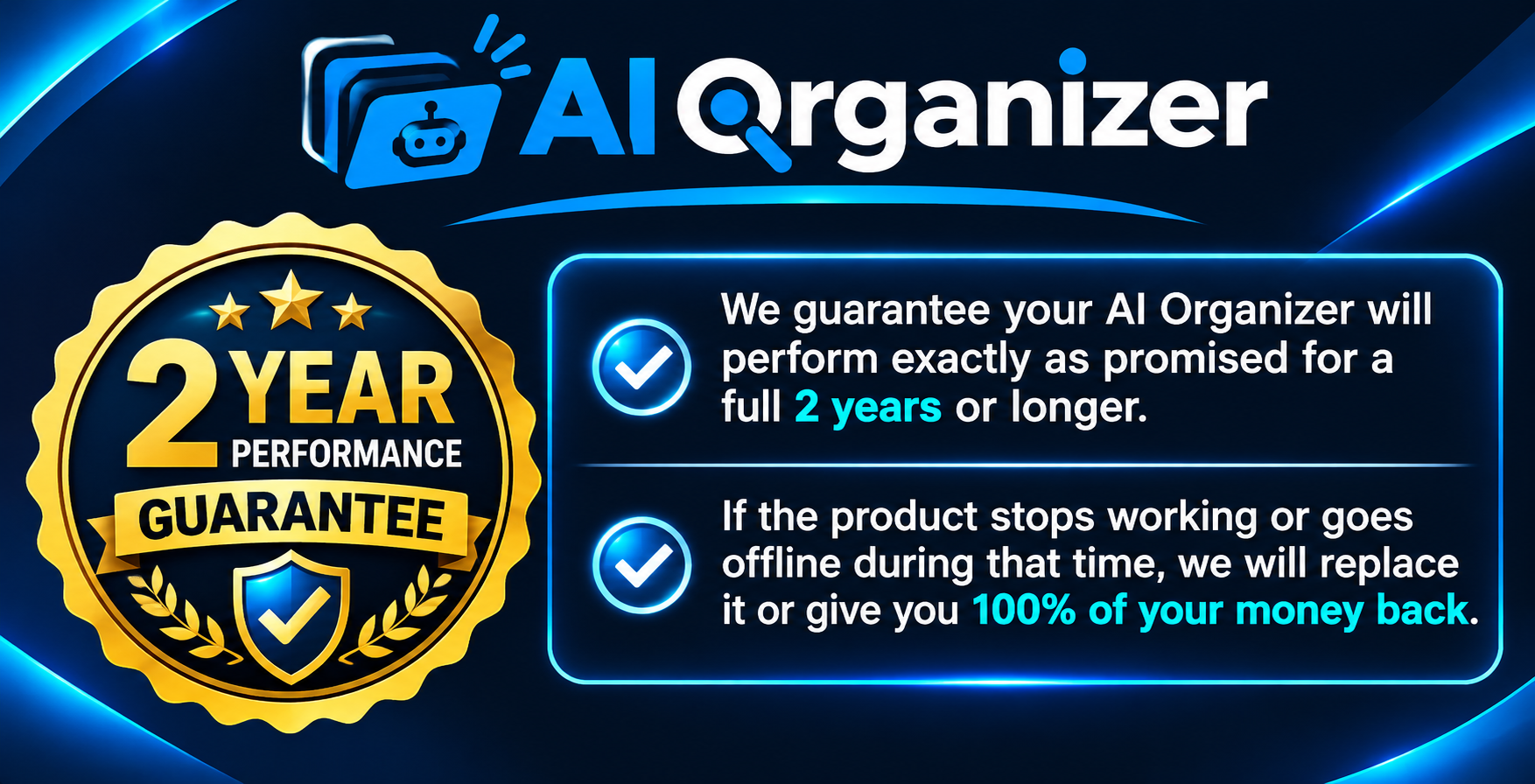
No subscriptions. No renewals. No surprise charges.
PLUS - 50% For Founding Members - Coupon = Organize50
AI Organizer
Unlimited
50% Off For Founding Members - Coupon Code = Organize50

100% FREE When You Claim
AI Organizer Unlimited
Retail Value : $5.99



Unstuck Your Marketing Master
Break Through Marketing Blocks And Scale Faster.
Identify bottlenecks, fix broken funnels, and restart momentum with clear, step-by-step guidance from seasoned growth experts.
Discover what’s holding your marketing back, make smarter decisions, and build a predictable path toward consistent growth and better results.

Retail Value : $8.99


Marketing Automation
Automate Marketing Task While Tasks While Profile Grow Daily.
Set up automated workflows that nurture leads, close sales, and save hours every single week consistently, while keeping your marketing running smoothly and efficiently.
Retail Value : $9.99


Untapped Email Marketing Profits PLR
Unlock Hidden Email Profits Others Ignore Completely.
Leverage done-for-you PLR to monetize email lists faster without creating content from scratch, using proven frameworks that save time, increase engagement, and turn everyday subscribers into consistent revenue opportunities.
Retail Value : $12.99


Faceless Sales
Sell online profitably without showing your face.
Build anonymous sales systems that convert cold traffic into consistent revenue streams daily with smart automation, proven strategies, and scalable systems designed to work behind the scenes.
AI Organizer
Unlimited
50% Off For Founding Members - Coupon Code = Organize50
Frequently Asked Questions

Yes. AI Organizer works directly inside your AI chat
interface as a browser extension, so everything is right where you already work.
Correct. You pay once and keep full
access. No subscriptions, no renewals, no recurring charges.
External docs require you to leave your AI platform, search through a document, copy your content, switch back, and paste it in — every single time. AI Organizer keeps everything inside your chat interface. One click and your saved prompt is already in the chat box. No tab-switching, no friction.
No. If you can use a browser extension, you're good to go. There's no complicated setup or technical skills required.
Yes. You can create separate folders and workspaces for each client, project, or topic — color-coded and structured exactly the way you want.
Yes. You can share individual prompts, full conversations, or entire workspaces via direct link or exported file.

Premium Software for Marketers, Agencies,
Small Businesses and Entrepreneurs.
Imtools.Store | Brand of Message Magic Media INC. , Canada ©2026 | All Rights Reserved.